
How it works
The OnPath assessment process
A guided route from what you can see today to the changes you may want to consider next.
Four steps
Built to move at your pace
You do not need to assess the entire home at once. Work room by room, save your progress, and return when you are ready.
Create your account and add context
Sign up, answer the guided questions, and describe the person and home the assessment is for. This gives the final report the context it needs.
Add rooms and upload photos
Choose the rooms you want to review, then upload clear, representative photos. You can begin with a single room and return to add more later.
Review visible findings
OnPath analyzes what is visible in each image and connects supported observations to practical home-safety recommendations.
Build your personalized report
Bring the questionnaire and room findings together in a structured report you can use to prioritize next steps and explore relevant products.
What the analysis does
Focuses on visible, actionable conditions
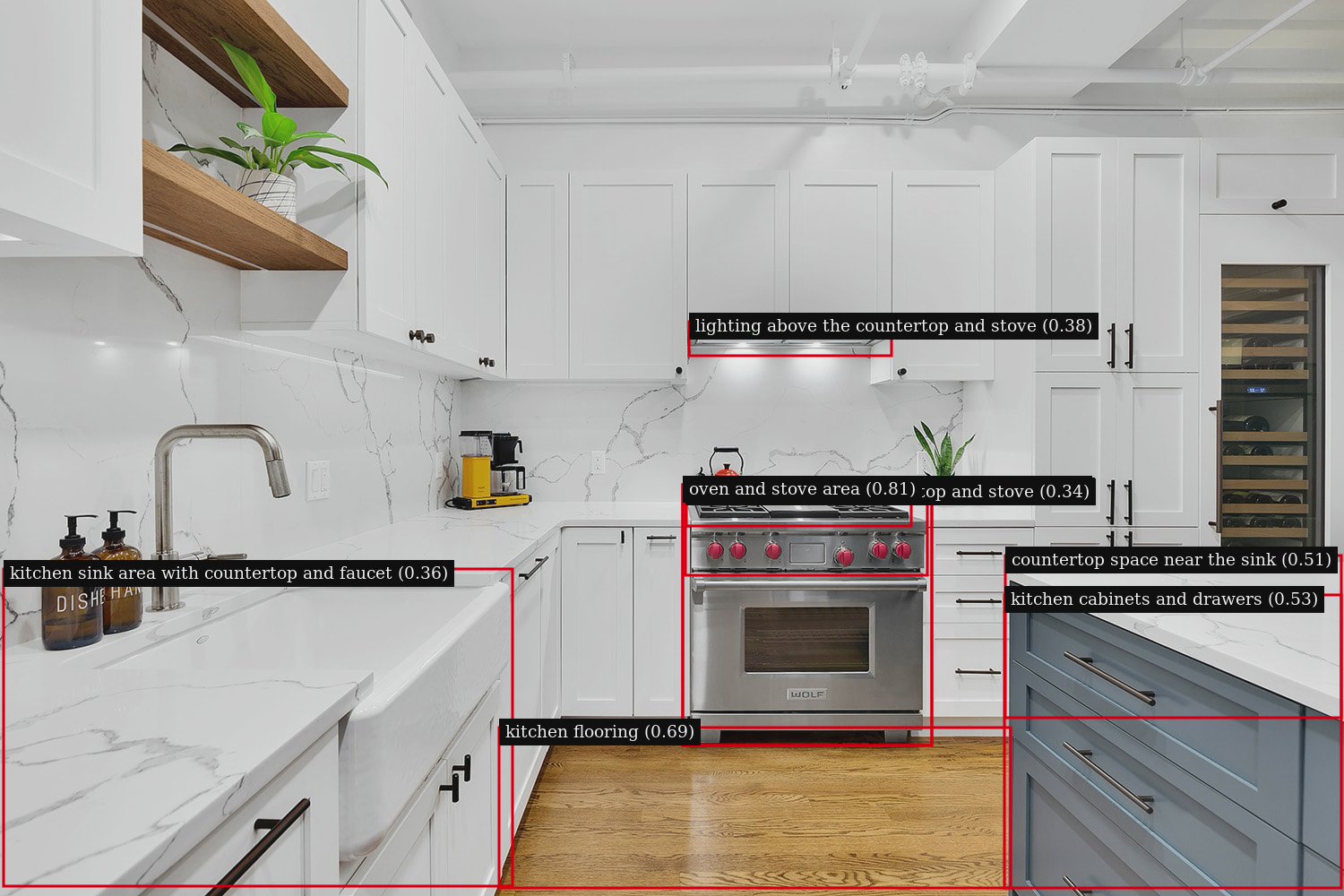
The tool looks for home features and potential hazards that are supported by the photo. It does not diagnose medical conditions, and it works best with clear images that show the full area being assessed.
For better results
Photograph the room, not just the object
Stand far enough back to show pathways, floor transitions, furniture placement, and the relationship between key fixtures.
Use even lighting, avoid heavy blur, and add a second angle when one photo cannot show the entire space.
Only upload images you are comfortable using for your assessment. You can manage rooms and photos from your account.
Your next step
Start with the room you use most.
Creating an account takes you directly into the home assessment tool.